
POS Marketing helps ISOs bundle customer engagement tools directly with Clover POS — giving merchants more value without requiring them to search for, purchase, and manage multiple marketing apps.
From private app invitation to merchant activation, we make deployment simple.
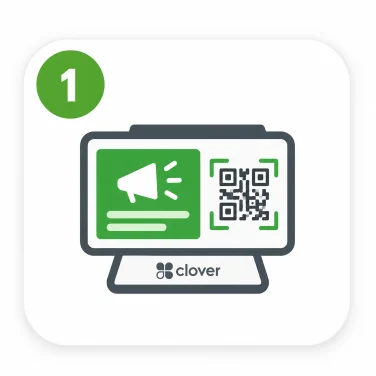
Merchant promotions or branded content can appear on the customer-facing display.
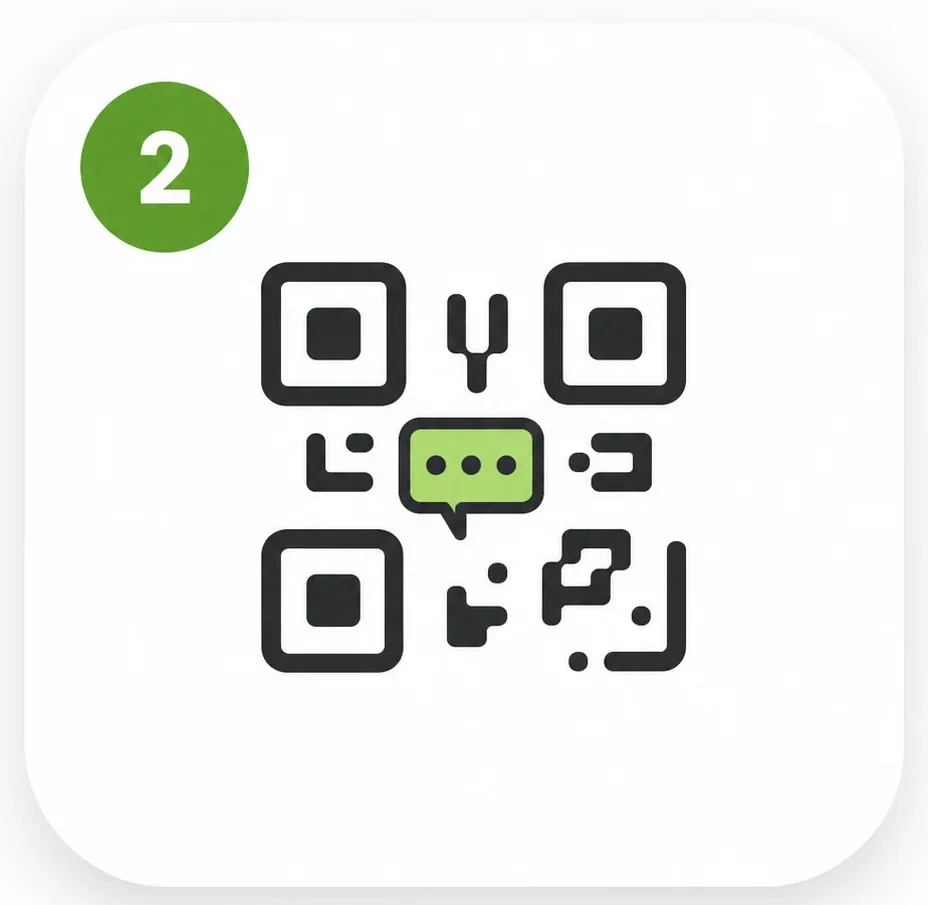
The appropriate customer engagement experience appears after the transaction.
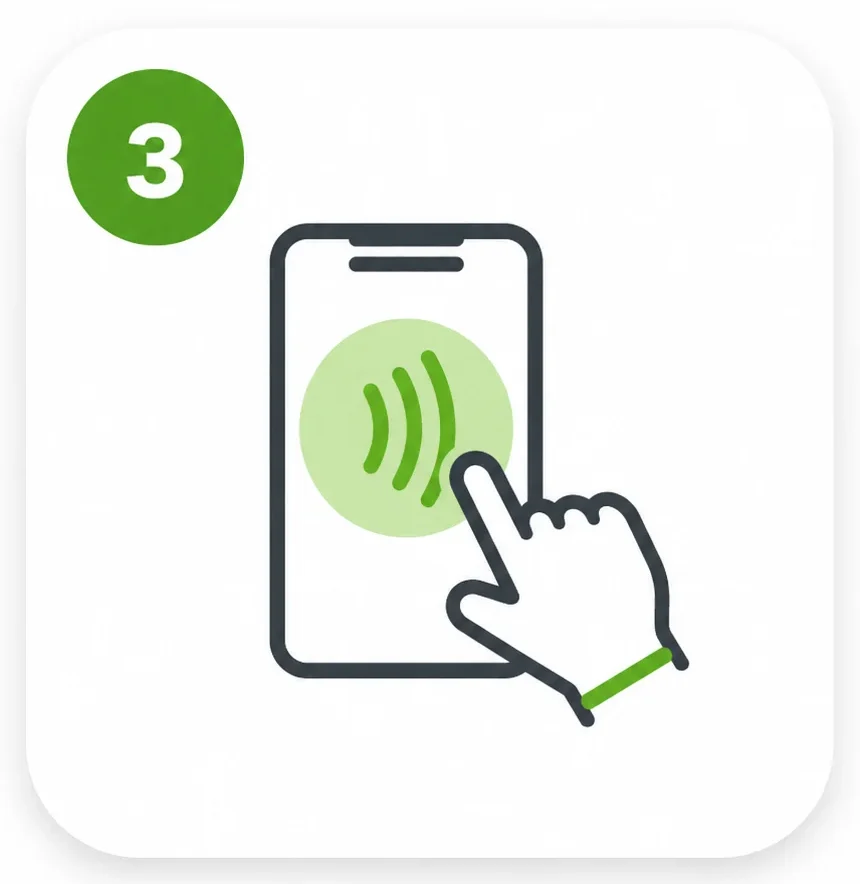
Customers engage through QR, NFC, the customer screen, or receipt links.
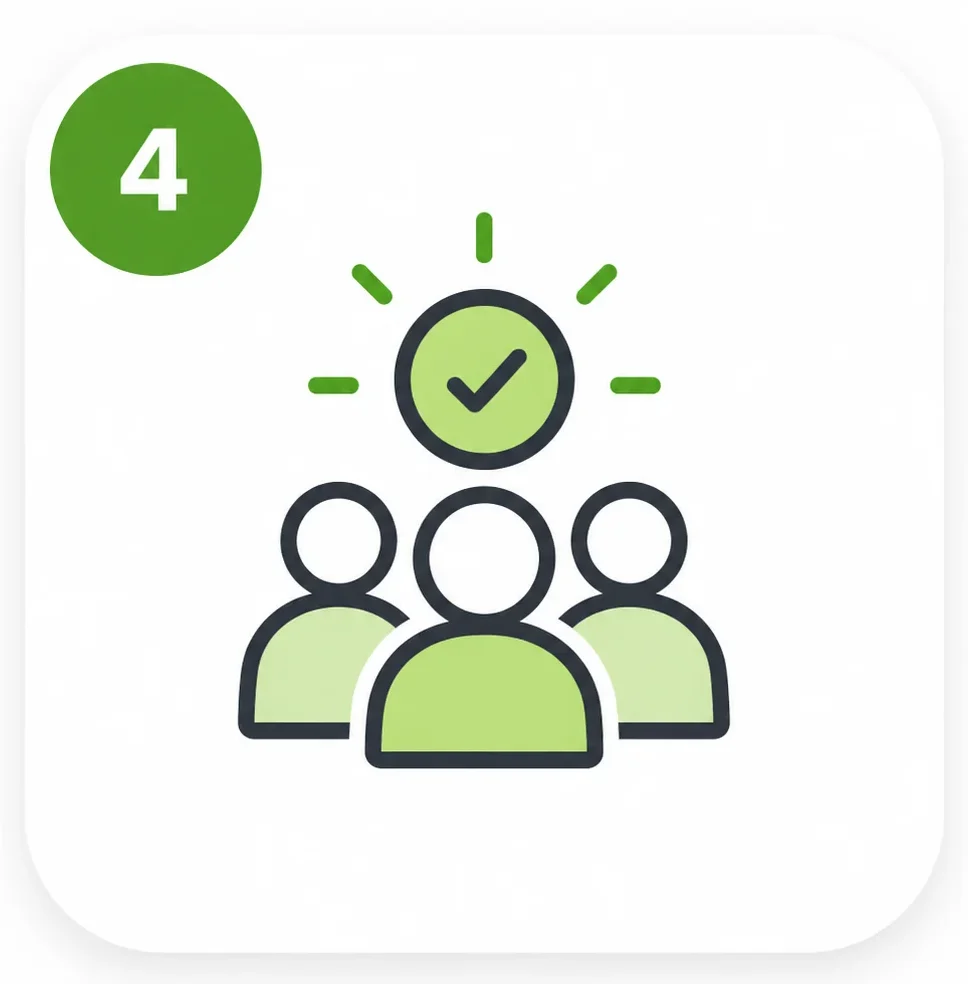
Customers can leave reviews and continue engaging with the business.
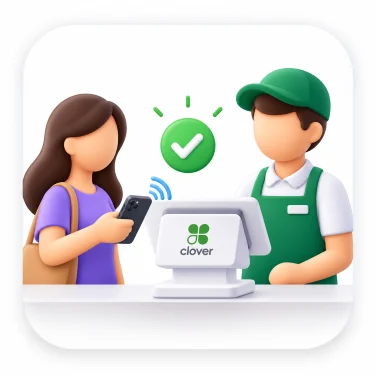
POS Marketing makes it easy for ISOs and agents to activate marketing apps for their Clover merchants. You invite the merchant, and we guide them through connecting Clover, activating their app, completing setup, and getting ready to engage customers.
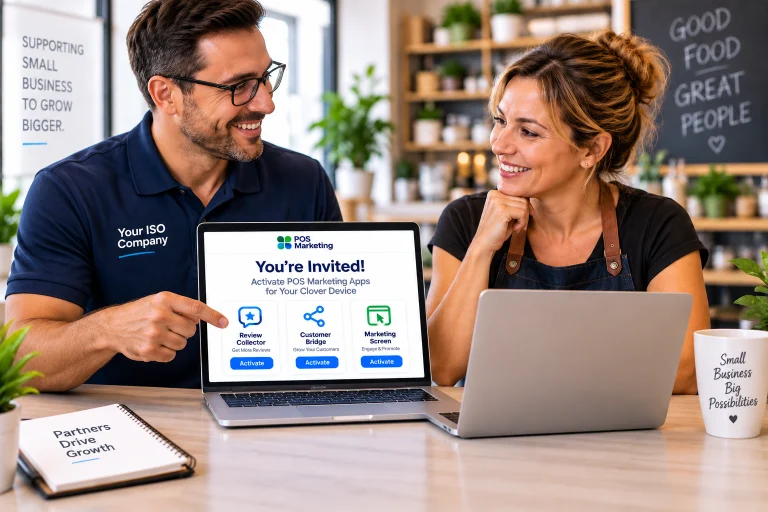
Create the merchant from your POS Marketing partner dashboard and send a secure invitation.
The merchant receives an onboarding email with a secure link to begin setup.
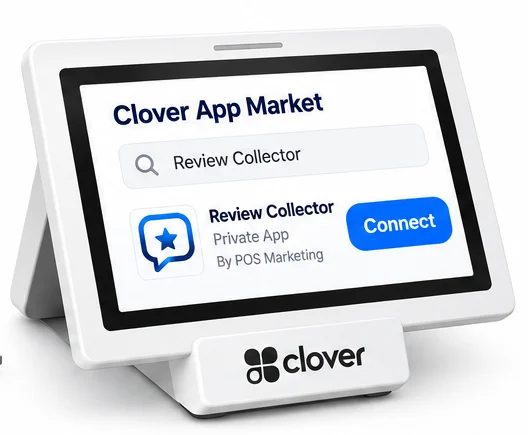
The merchant signs in to their Clover Dashboard and connects their Clover account and the POS Marketing app.
The merchant installs the Marketing App on their Clover device.
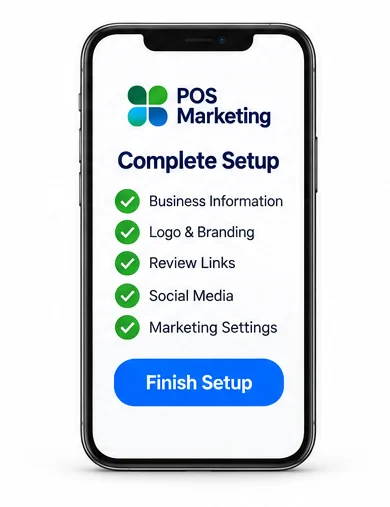
The merchant confirms their business information and configures the marketing experience.
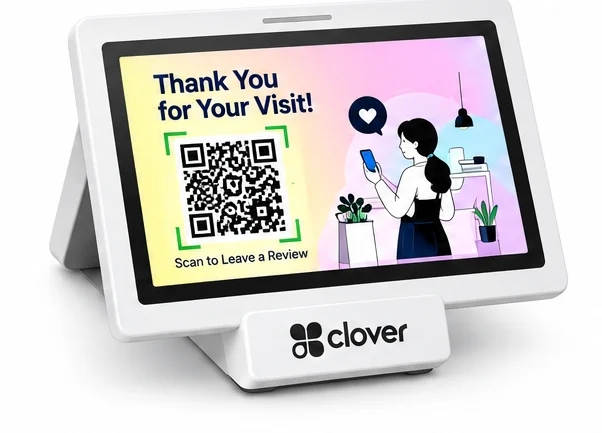
Once activated, POS Marketing begins turning Clover transactions into customer engagement opportunities.
Give merchants customer engagement capabilities that complement the Clover technology already at their business.
POS Marketing can extend engagement across supported Clover devices, receipts, NFC & QR products, Smart Pages and customer-facing screens.
The merchant continues using Clover to run their business while POS Marketing creates new opportunities to engage customers around the checkout experience.
No replacement POS. No complicated merchant technology project.
POS Marketing gives Clover ISOs, processors and agents a ready-to-deploy solution that can become part of your existing merchant offering.
Give merchants another reason to choose you over competing Clover providers.
Expand beyond processing with additional software and marketing products.
Give your sales team practical products they can introduce to new and existing merchants.
Become more valuable to merchants by helping them with more than payment processing.
Start with the products merchants need today and introduce morel tools as their business grows.
Differentiate your offering Give merchants more than payment processing, give them growth tools.
BOTH, IT’S BUILT FOR ISOs TO SUPPORT THEIR MERCHANTS.
PRIVATE APP DISTRIBUTION
POS Marketing Clover apps can be distributed directly through participating ISO partners.
GUIDED ONBOARDING
A step-by-step onboarding process helps merchants get activated quickly.
MERCHANT SUPPORT
We support merchants throughout setup and ongoing use.
CENTRALIZED MANAGEMENT
ISOs can manage merchant accounts and deployment from one partner platform.
Easy to sell. Easy to deploy. Easy to scale.
Give your merchants more than a POS.
Bundle customer engagement, reviews and marketing into the merchant relationship — and give them another reason to stay with your ISO.
Become a POS Marketing Partner.
POS Marketing helps ISOs bundle customer engagement tools directly with Clover POS — giving merchants more value without requiring them to search for, purchase, and manage multiple marketing apps.
From private app invitation to merchant activation, we make deployment simple.
You bring the merchant. We make activation simple.
1. INVITE THE MERCHANT
Create the merchant from your POS Marketing partner dashboard and send a secure invitation.
You invite. We handle the rest.
2. MERCHANT ACCEPTS THE INVITATION
The merchant receives an onboarding email with a secure link to begin setup.
Simple. Fast. One click to get started.
3. CONNECT CLOVER
The merchant signs in to their Clover Dashboard and authorizes the connection between their Clover account and the POS Marketing platform.
Secure connection to the merchant’s existing Clover account.
4. INSTALL THE PRIVATE CLOVER APP
The merchant accesses the POS Marketing app made available through the ISO invitation and installs it on their Clover account.
Private app distribution. No need to search the public Clover App Market.
5. COMPLETE ONBOARDING
The merchant confirms their business information and configures the marketing experience.
Depending on the solution, setup may include:
Business name, logo and branding
Review destinations
Social media links
Smart Page content
Offers and calls to action
Menu or ordering links
Customer engagement preferences
Quick setup designed for small businesses.
6. START ENGAGING CUSTOMERS
Once activated, POS Marketing begins turning Clover transactions and in-store touchpoints into customer engagement opportunities.
Merchants can drive:
More Reviews • More Engagement • More Loyalty • More Revenue
AUTOMATED MARKETING AT THE POINT OF SALE
The merchant processes the transaction normally. No additional employee action is required.
After checkout, POS Marketing can automatically present a customer call to action on the Clover customer-facing screen, connected marketing display, receipt, or other engagement touchpoint.
Depending on the merchant’s solution, customers can:
Leave a review
Follow the business on social media
View the merchant Smart Page
Take a survey
View a menu or place an order
Join a loyalty or VIP program
View an offer or promotion
Connect with the business after the visit
Set it up once. Let every transaction do the work.
FROM COMPLETED TRANSACTION TO REVIEW OPPORTUNITY — AUTOMATICALLY
BEFORE THE TRANSACTION
Merchant promotions or branded content can appear on the customer-facing display.
TRANSACTION COMPLETED
The merchant processes the sale normally. No extra cashier steps are required.
REVIEW REQUEST APPEARS
A QR code automatically appears after checkout and can also be available on the customer receipt.
CUSTOMER SCANS & REVIEWS
The customer scans the QR code with their smartphone and reaches the merchant’s review experience.
No customer mobile app is required.
CHOOSE REVIEW DESTINATIONS
Select the review platforms that matter most to the business, including Google, Yelp, Facebook and many others, we support over 40+ review platforms.
CUSTOMIZE THE EXPERIENCE
Personalize branding, messaging, Smart Pages and calls to action.
TRACK RESULTS
Monitor customer engagement and activity across merchant locations from one dashboard.
REVIEW REQUEST APP
Turn every completed transaction into a review opportunity.
CUSTOMER BRIDGE APP
Give customers more ways to connect through reviews, social media, Smart Pages, surveys, menus and ordering.
NFC + QR PRODUCTS
Extend engagement beyond the Clover screen with tap-and-scan touchpoints at the counter, entrance, table, window or checkout.
MARKETING SCREEN
Add a customer-facing marketing screen to display promotions, offers, announcements and post-transaction calls to action.
Once the partner account and offering are configured, merchants can be invited and activated through the guided onboarding process. The goal is to make deployment simple enough to scale across an ISO merchant portfolio.
POS Marketing allows you to offer more than payments and hardware. By bundling marketing tools with Clover, you can differentiate your offering, strengthen merchant relationships, improve retention and create new recurring revenue opportunities.
Merchants gain easy-to-use tools designed to help generate more reviews, engage customers, strengthen their online presence and encourage repeat business — all connected to the point-of-sale experience they already use.
The ISO sends the merchant a private invitation. The merchant accepts the invitation, signs in to their Clover Dashboard, connects their Clover account, installs the invited app and completes the guided onboarding process.
No. POS Marketing apps can be distributed privately through participating ISO partners, allowing the ISO to control the merchant relationship and deployment process.
When the ISO includes POS Marketing as part of its merchant offering, participating apps can be provided to the merchant at no additional app fee. The specific merchant package is determined by the ISO.
No additional hardware is required for supported Clover devices. Review Collector and Customer Bridge work directly with supported Clover hardware. Optional NFC & QR products and Marketing Screens can be added to create additional customer engagement touchpoints
No additional cashier action is required for automated post-transaction experiences. The merchant processes the transaction as usual and needs to ask customer to scan the QR code from Clover screen or receipt to complete pre-programmed marketing action.
Yes, merchant can create a custom thank you screen page that will be displayed to the customer after the transaction or when they scan the QR code.
Yes. NFC and QR solutions can operate as standalone engagement tools without a Clover app. Marketing screens can also be used with compatible internet-connected displays.